Rise 360 / Software communication
Write a Useful
Support Ticket
Make a vague request useful to the person who receives it.
A short practice experience about recording facts, choosing evidence and describing work impact—without having to diagnose the cause.
- Audience
- Employees reporting a software problem to a support team.
- Performance task
- Write a factual ticket another person can begin investigating.
- My role
- Learning design, writing-model development, language review and content revision.
The design problem
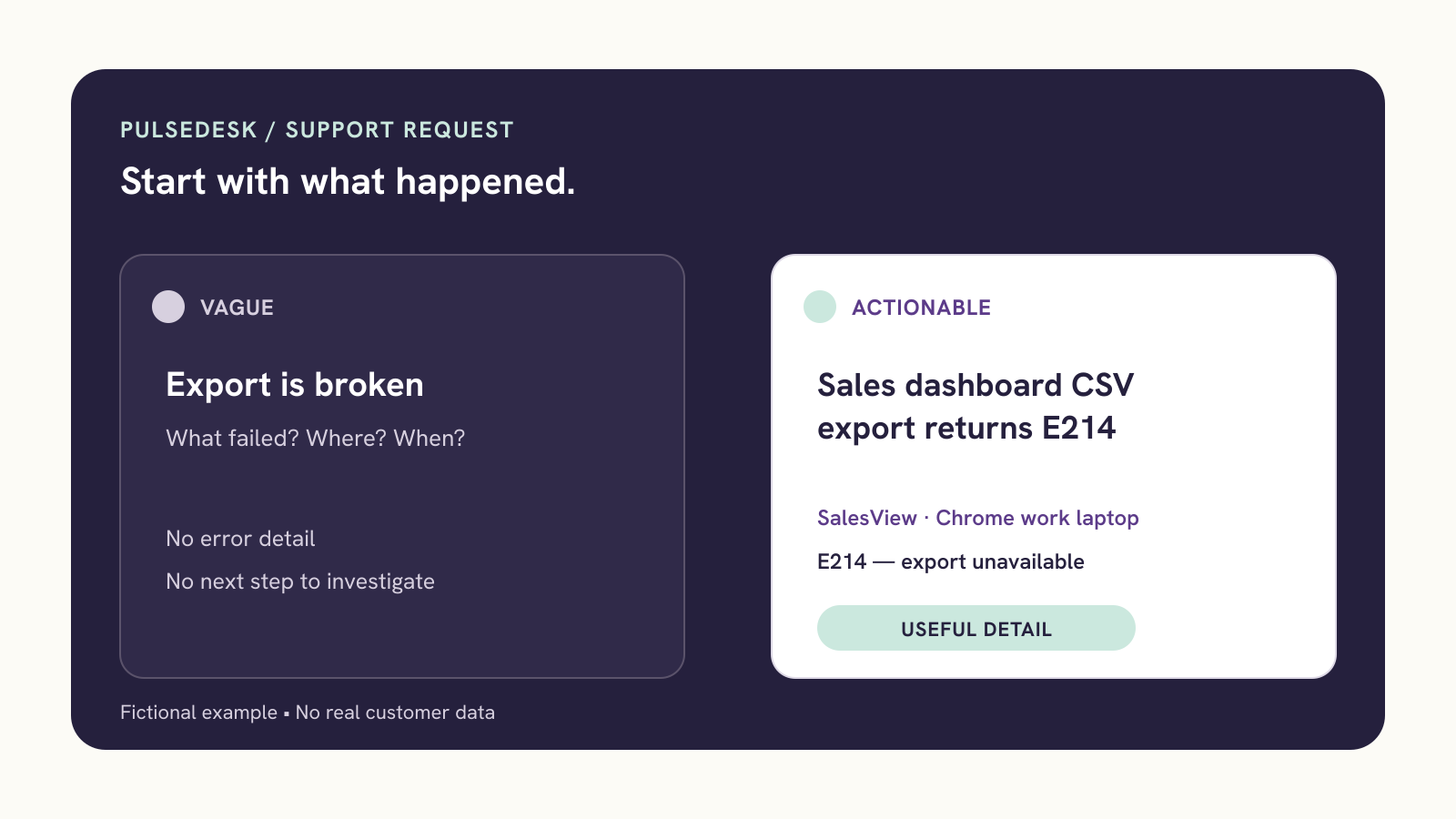
“It’s broken” leaves work for the next person.
The design premise is that a vague request can omit the attempted task, observed result, context and work impact. This fictional sample makes those missing details visible. It does not assume every organization uses the same form or workflow.
The ticket’s core prompts
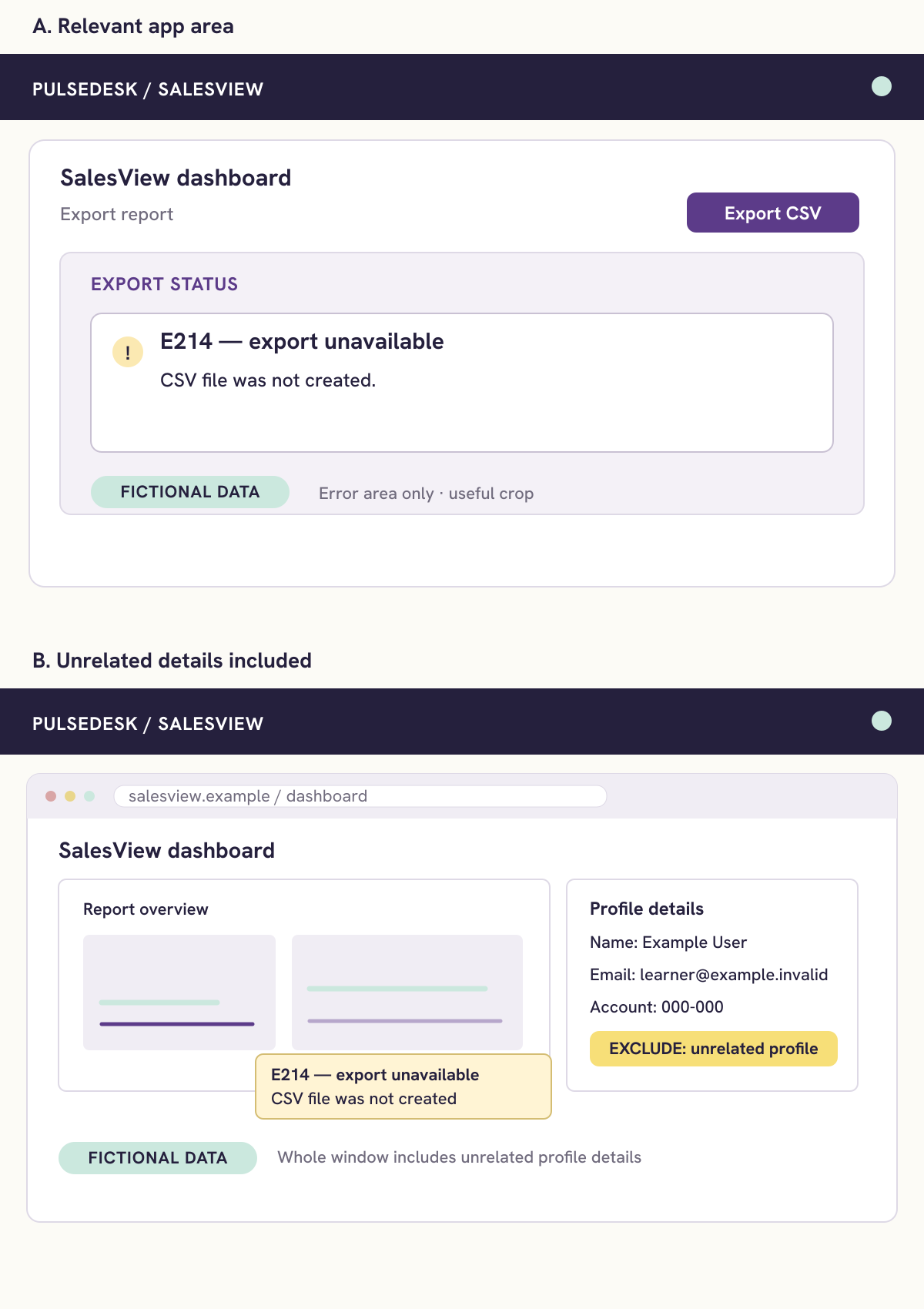
The record covers the intended task and result, environment, error and time, previous attempts, and work impact. The same field names appear in the guidance, worked example, model response and downloadable reference.
A new case for transfer
After reviewing a failed report export, learners write about an inactive Save button in a different application. They compare their own draft with a model and a factual checklist. Equivalent wording is welcome; invented causes are not.
I analyzed the work product as the objective: give support enough accurate detail to investigate, while separating observed evidence from a guessed cause. The worked example makes the fields visible; short checks rehearse evidence choices with feedback; the new application and symptom provide a transfer task. Learners self-check their draft against the model and factuality checklist, so this design does not claim measured transfer.
Media with a purpose
Show what useful evidence looks like.
A concise visual walkthrough
A 40-second silent video shows the change from a vague request to a specific record. It is optional, with an equivalent written example available in the first lesson.
Shared language across formats
Numbered fields and consistent labels connect the illustrations to the job aid. This sample shows how I carry one writing structure through guidance, a worked example and independent practice.
Review and evidence
What has been checked.
- All four correct answers in varied positions, their choice-specific feedback, and an incorrect-answer/retry path in native Rise preview.
- Consistency of application names, error code, deadlines and facts across the written example, video, graphics, model and worksheet.
- Keyboard operation of model accordions and selected mobile layouts.
- The course package contains the native video and the redesigned two-page reference; all six PDF form fields and both printed pages were checked.
Access choices: Plain language, native text alternatives, informative image descriptions and optional video. The final activity works with the supplied PDF or the learner’s own notes. The PDF is fillable but untagged; full screen-reader and real-device testing remains pending. These checks do not establish WCAG conformance.
The thinking behind the course
Why this task and how I would evaluate it
This optional design rationale is for reviewers of the project. The learner-facing tool is the reference and writing practice linked above. The rationale shows how I would distinguish a practice gap from a form, access or workflow problem. It includes a ticket-quality rubric, a factuality and privacy gate, and a small pilot plan with explicit evidence limits.
Proposed evaluation
Review the ticket’s facts, context and impact.
In a pilot, learners would write a ticket for another unfamiliar case. A support specialist would check whether it preserves the facts, identifies the task and symptom, includes context and impact, and avoids unsupported explanations or irrelevant evidence. Usability testing would also examine finding and using the reference.
Self-directed portfolio concept. PulseDesk, SalesView and ProjectBoard are fictional. No client deployment, learner-validation results or measured business impact are claimed.